Driver License Verify Demo Application
We've created a simple demo application to showcase how quick, accurate - and easy - the driver license verification process using the BlockID NodeJS SDK.
Getting Started
Information and Items Needed
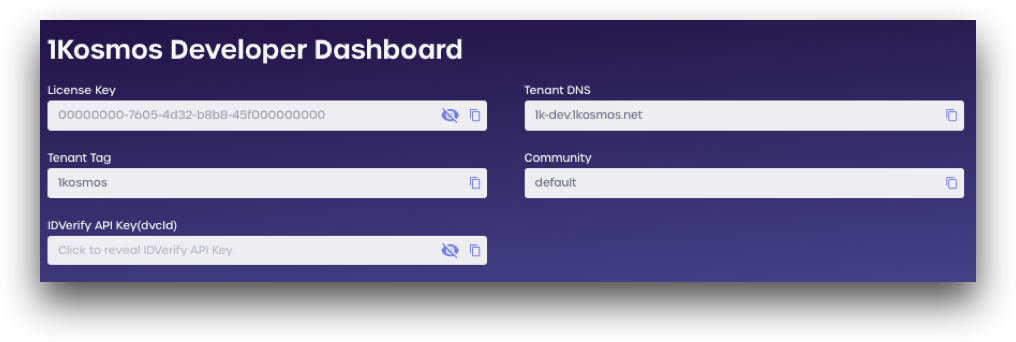
First, ensure that you have created a free developer account at our Developer Experience portal as you will need your license key in order to use the demo.
To make everything easier, navigate to your Developer Dashboard now and copy your License Key to your clipboard. You will need it in just a moment.
You will also need a mobile device with a working camera, and your Driver License or state ID card.
A real driver license is required to proceed with verification
Step 1: Scan Driver License
Navigate to the Driver License Verify demo page.
Enter your license key, country code, and phone number. If you are in the US, the country code is 1.
After entering your information, click send.
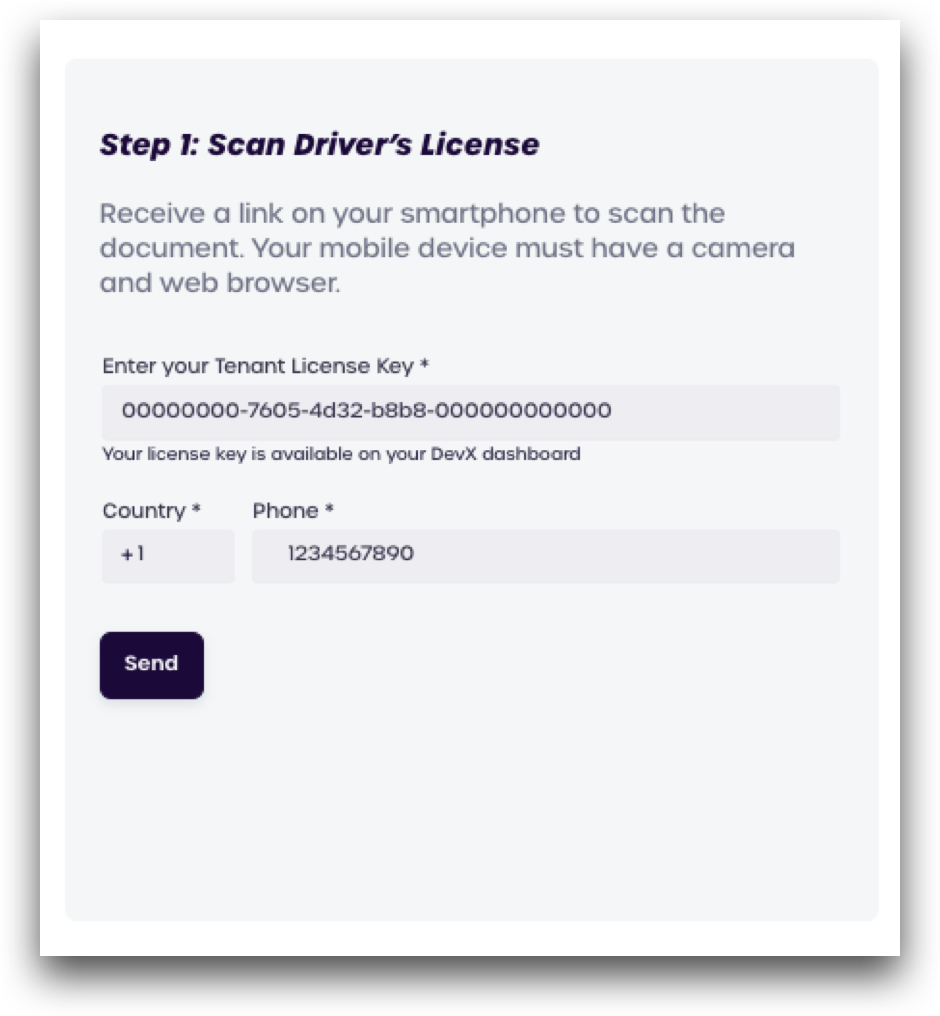
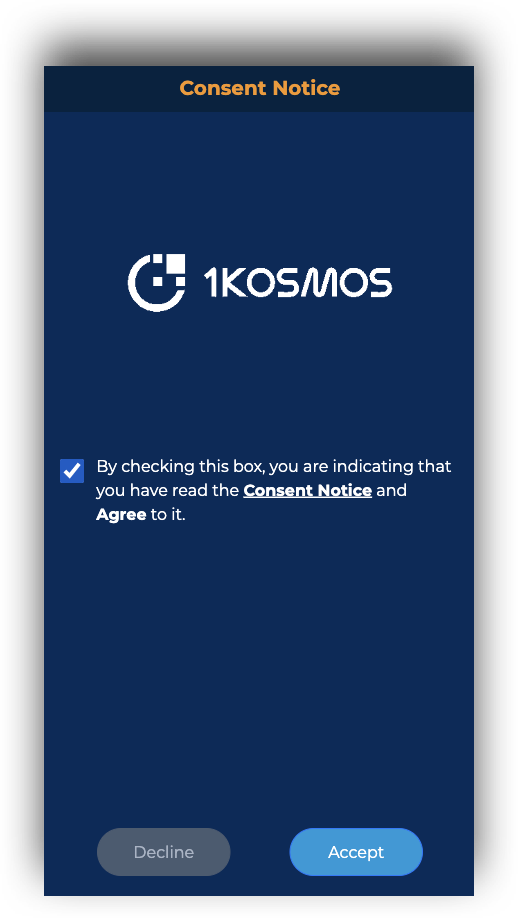
You should receive an SMS on your phone with a link. Open the link to initiate the web-based driver license scan.
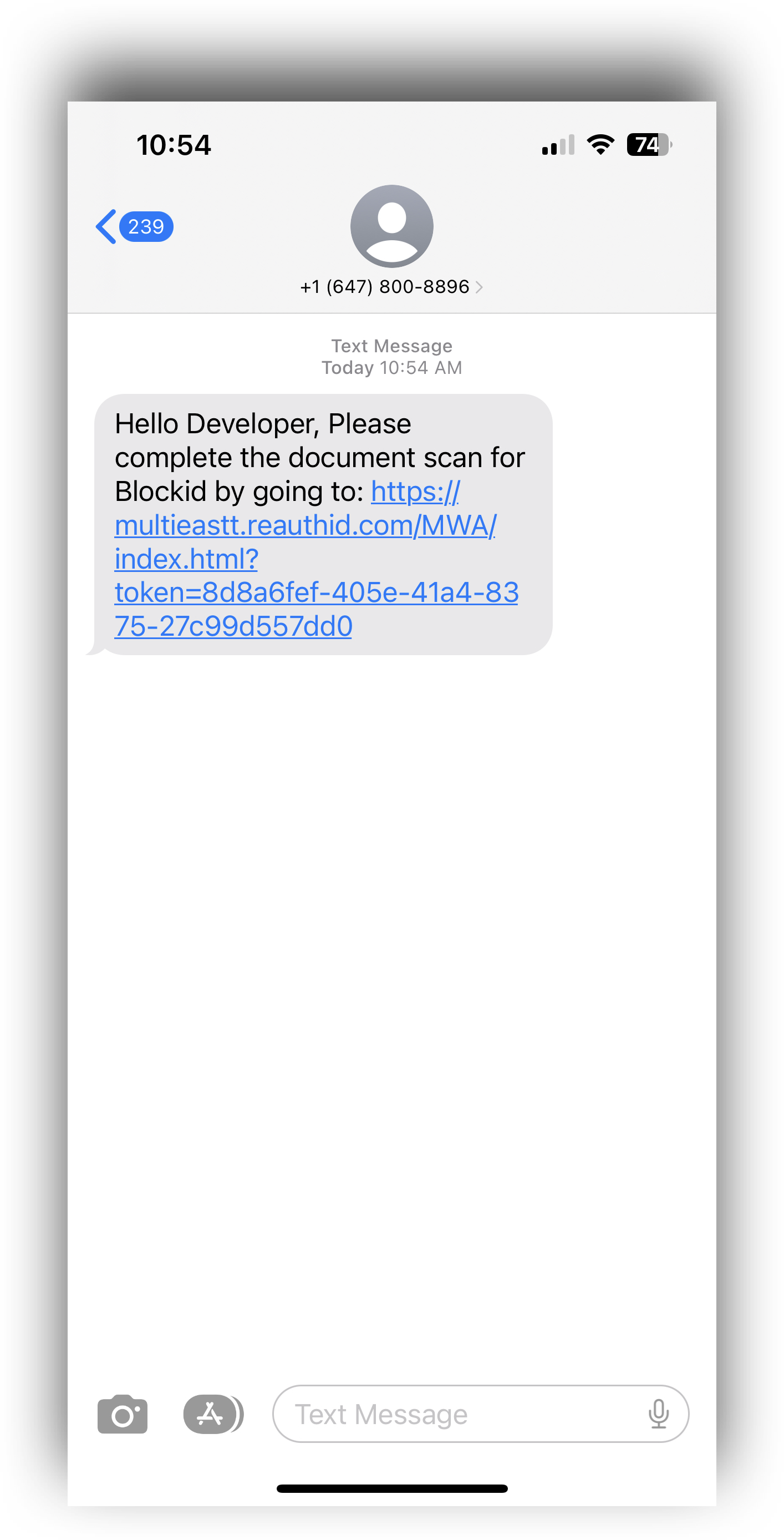
Read over and approve the terms by checking the box, and then click Yes, continue
As shown in the picture, the identity verification process consists of three main steps:
-
Capture ID
- Use the camera in your mobile device to take a photo of the front and back of your driver license.
-
Take selfie
- Take two selfie photos, one close up, and one at arms-length.
-
Submit
- Submit the photos and review the result
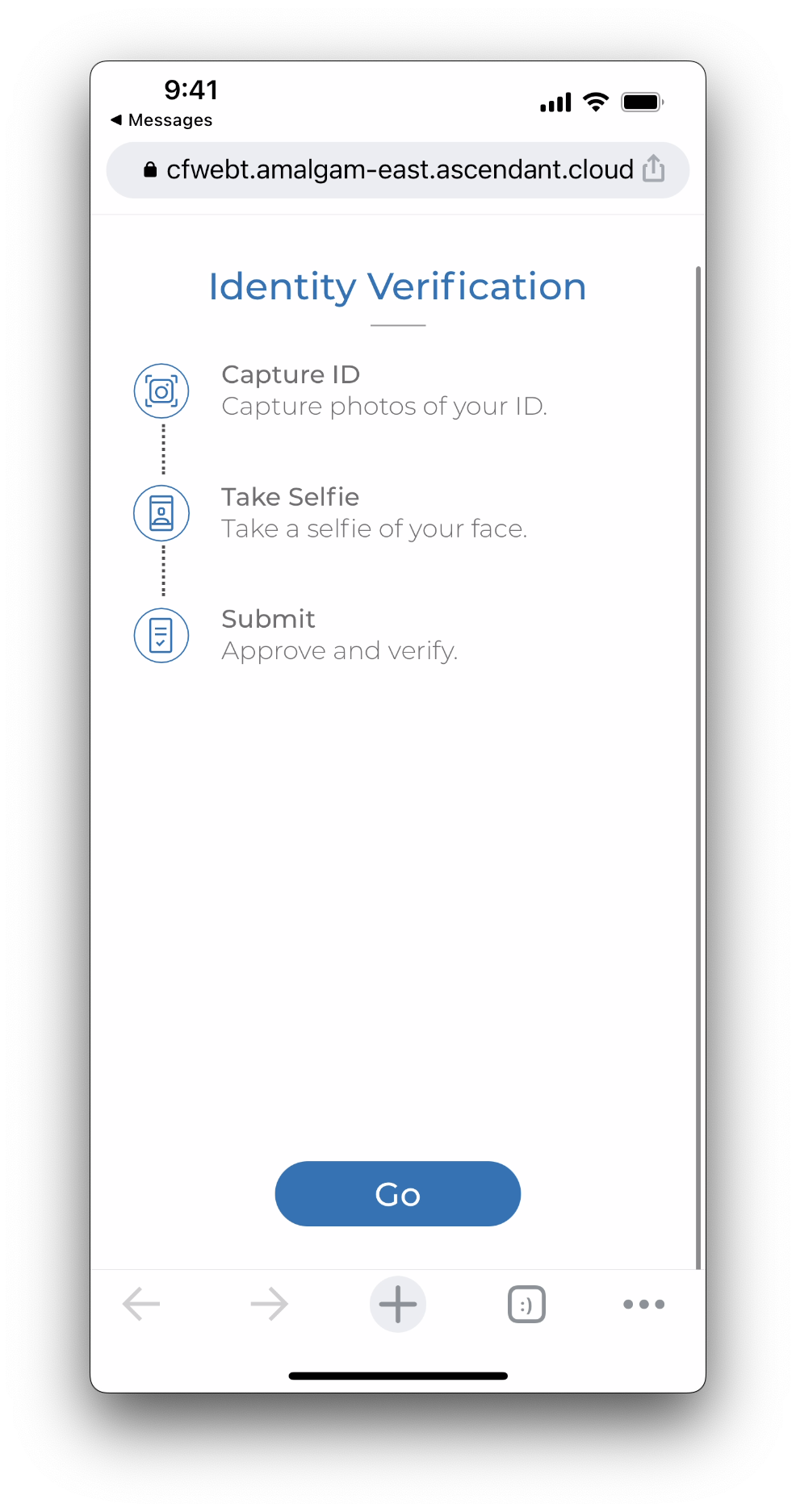
Click Go to start the identity verification.
On Your Mobile Device
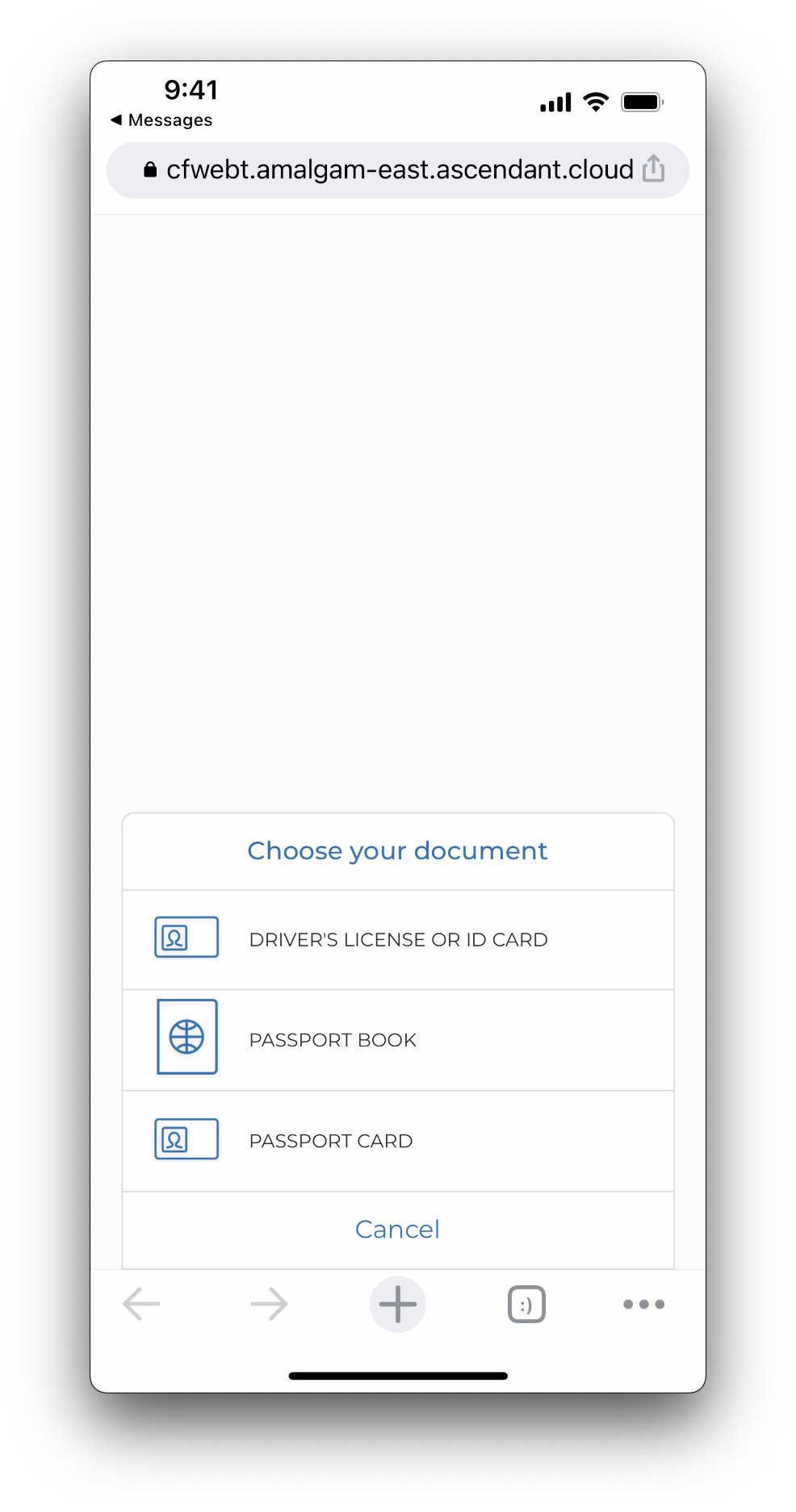
On the next screen select Driver's License or ID Card. Review the information displayed on the screen and click Got it to proceed.
You will need to grant the web application permission to use your camera for the next steps
Scan the front of your Driver License. You may need to tap the screen to take the photo.
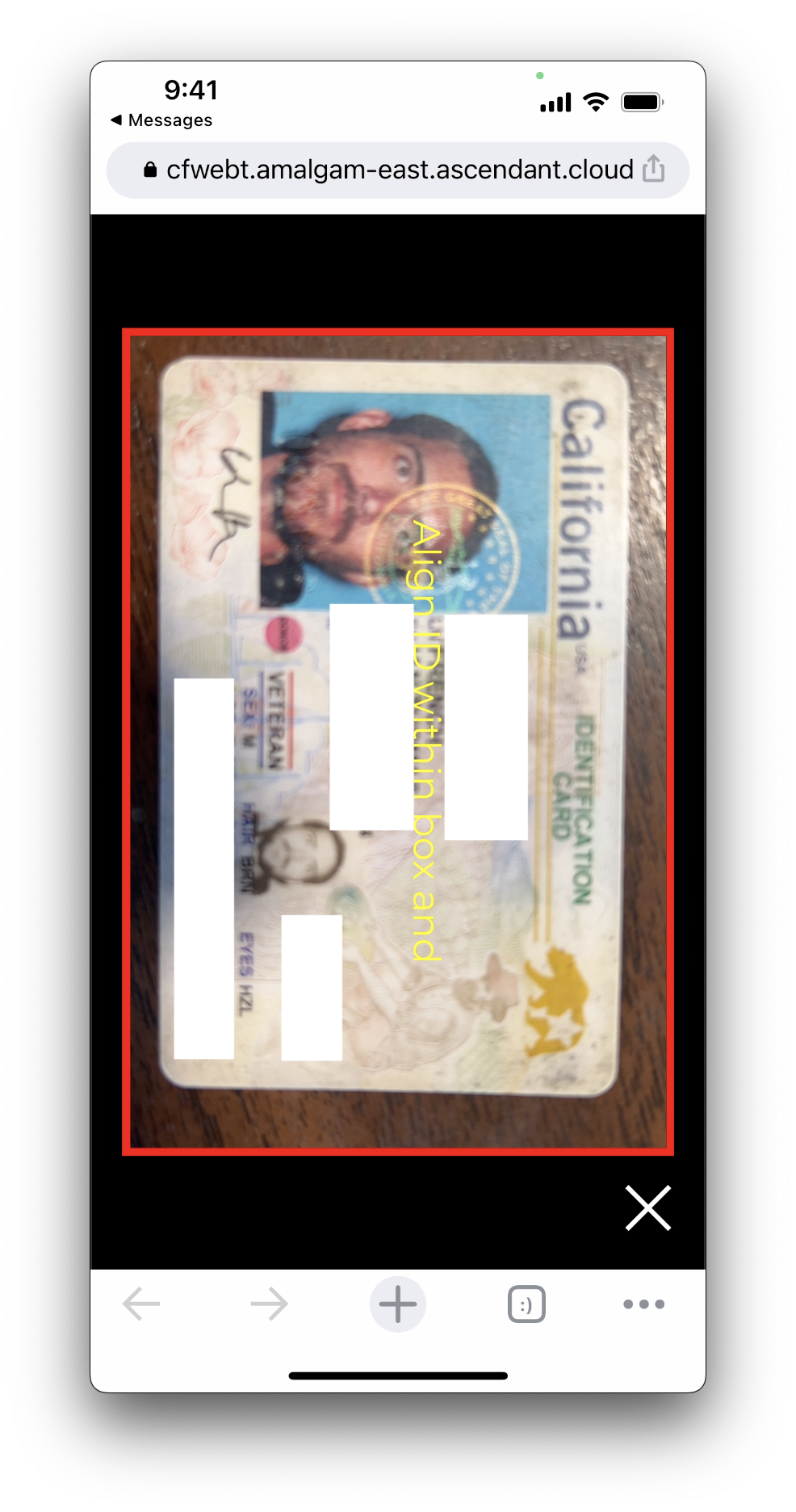
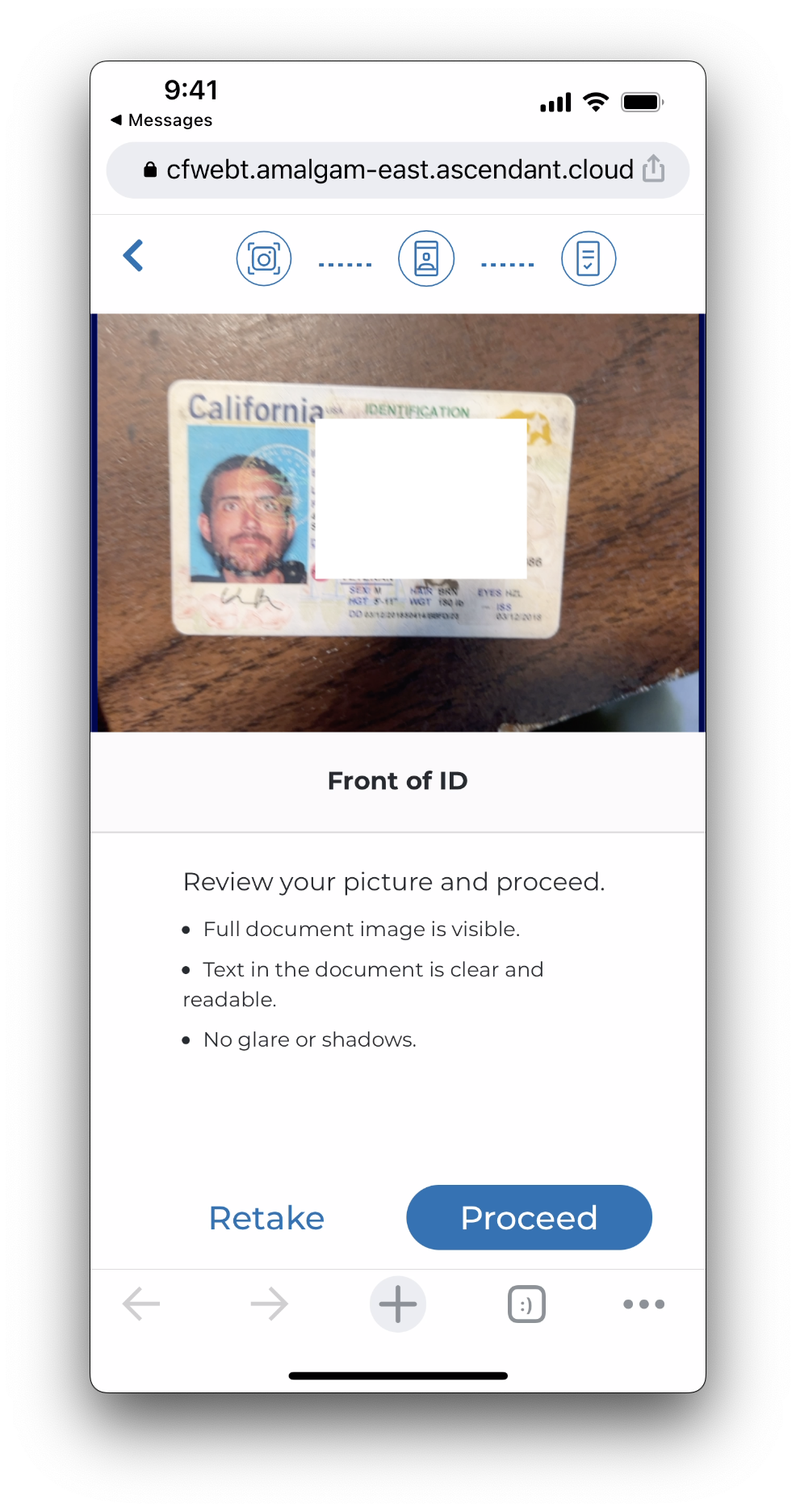
After the photo is taken you will get the chance to review it. The application may also decide the photo does not meet its criteria for lighting or clarity and ask you to retake the photo.
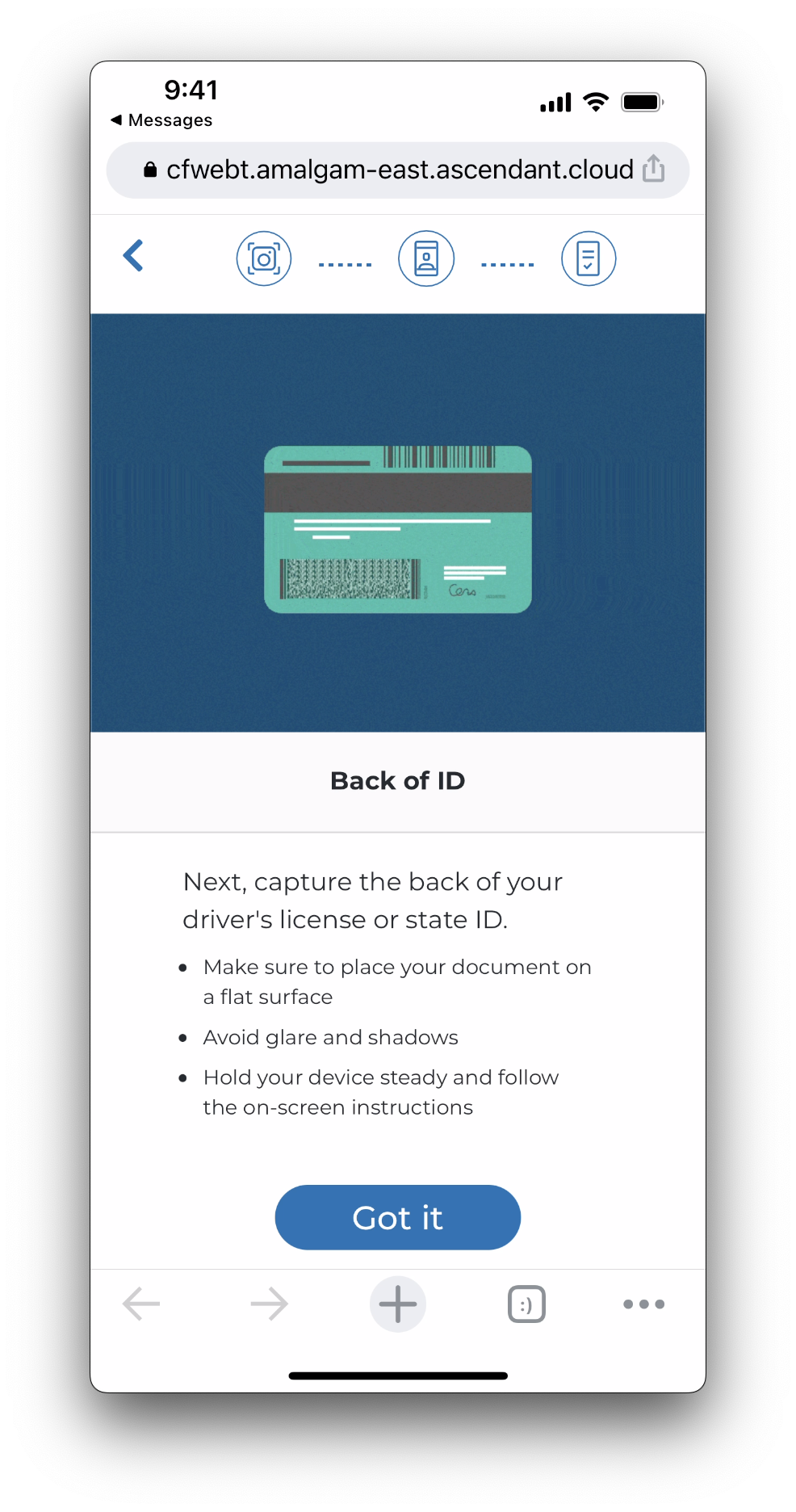
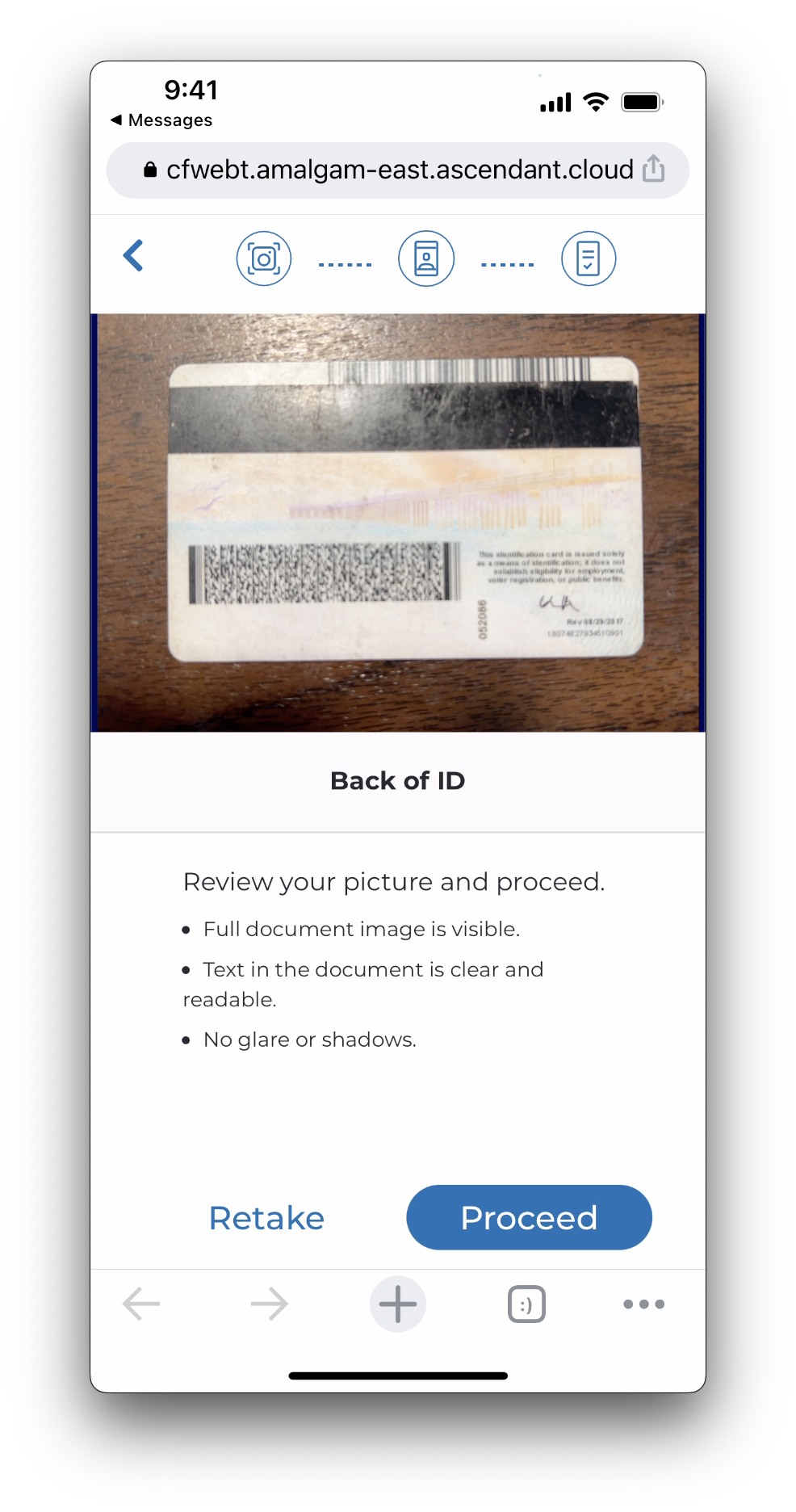
Next, we will take a photo of the back of the driver license. Review the text and proceed by clicking Got it.
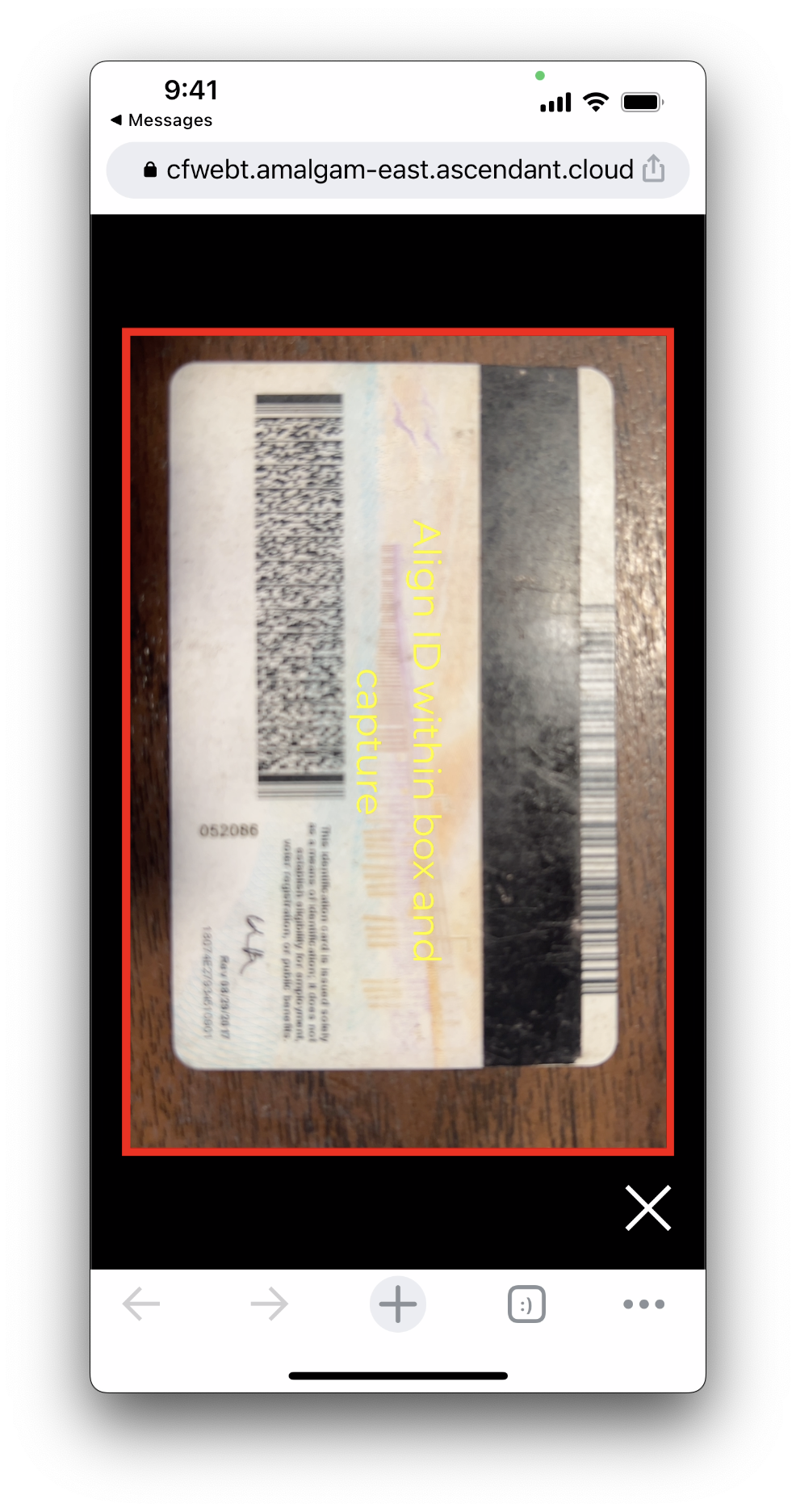
Use the camera to take a photo of the back of the driver license.
Here you can again review the photo and retake if neccessary. Otherwise, click proceed.
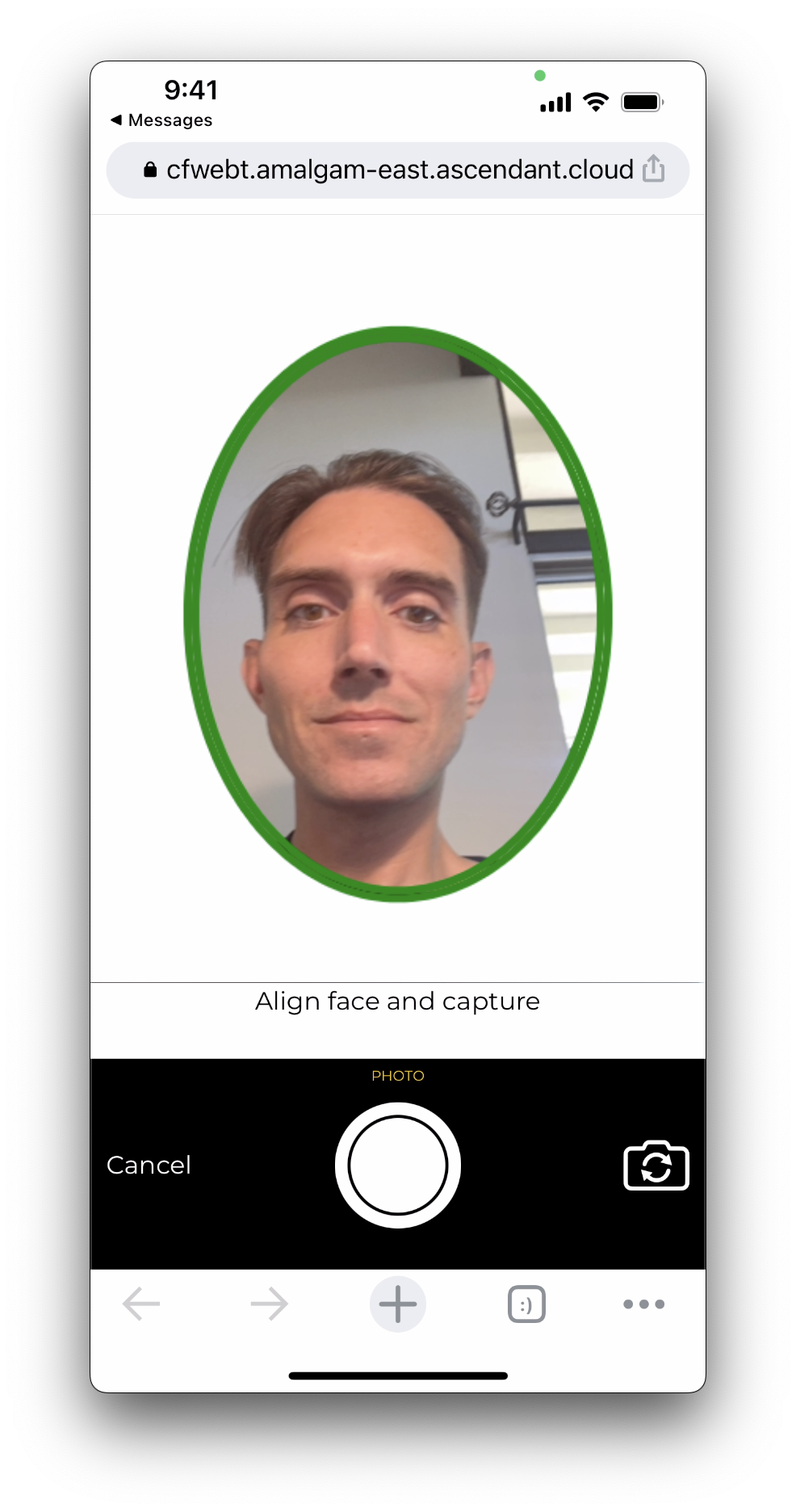
Next, we will take the first selfie. Try to fill your face into the entire oval if you can. Often the camera will take a photo automatically, but if it does not, click the center button to take the photo.
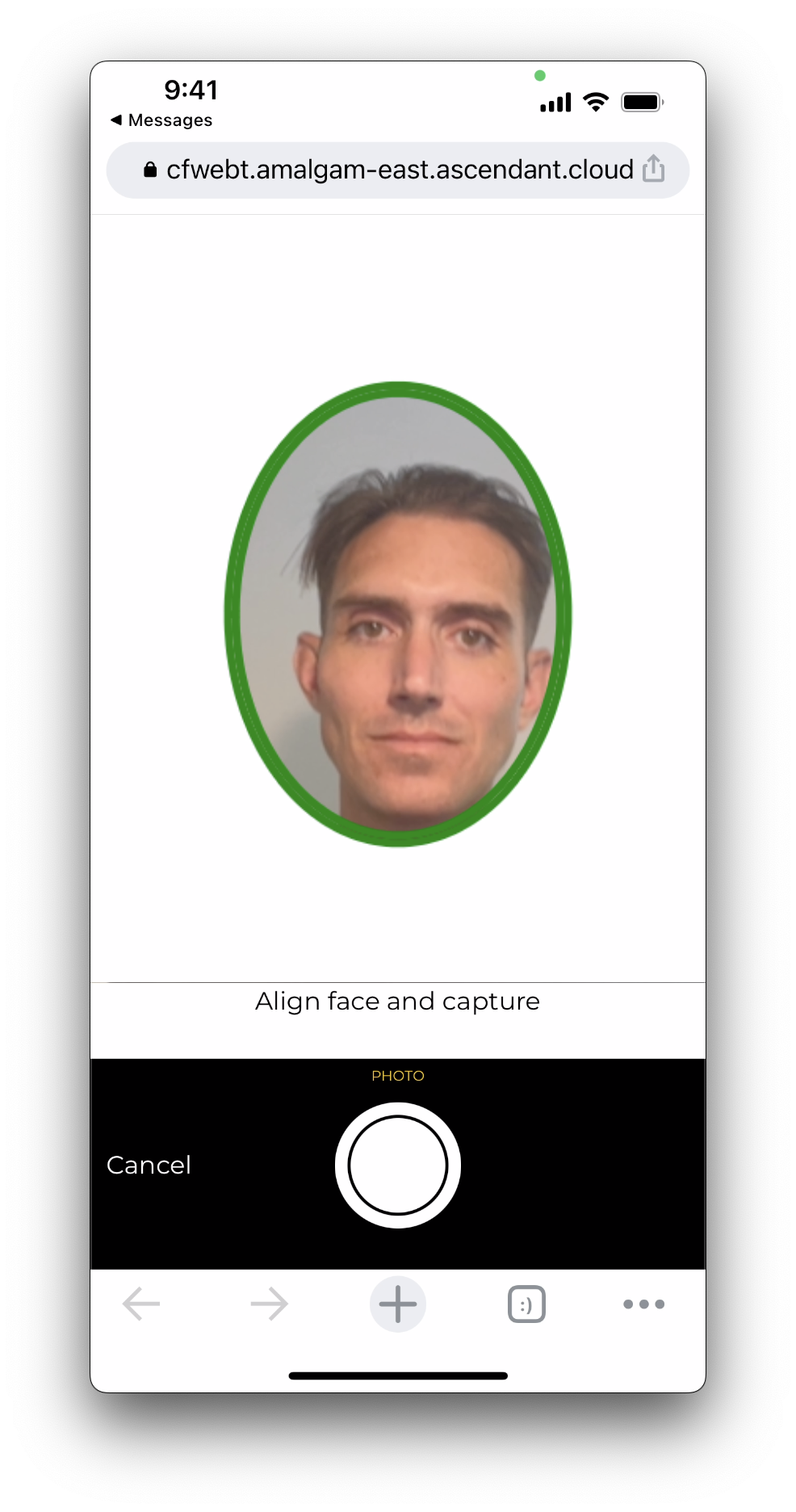
Click proceed to continue to the selfie at a distance. About arms-length is enough.
Allow the results to process. This might take a minute or two.
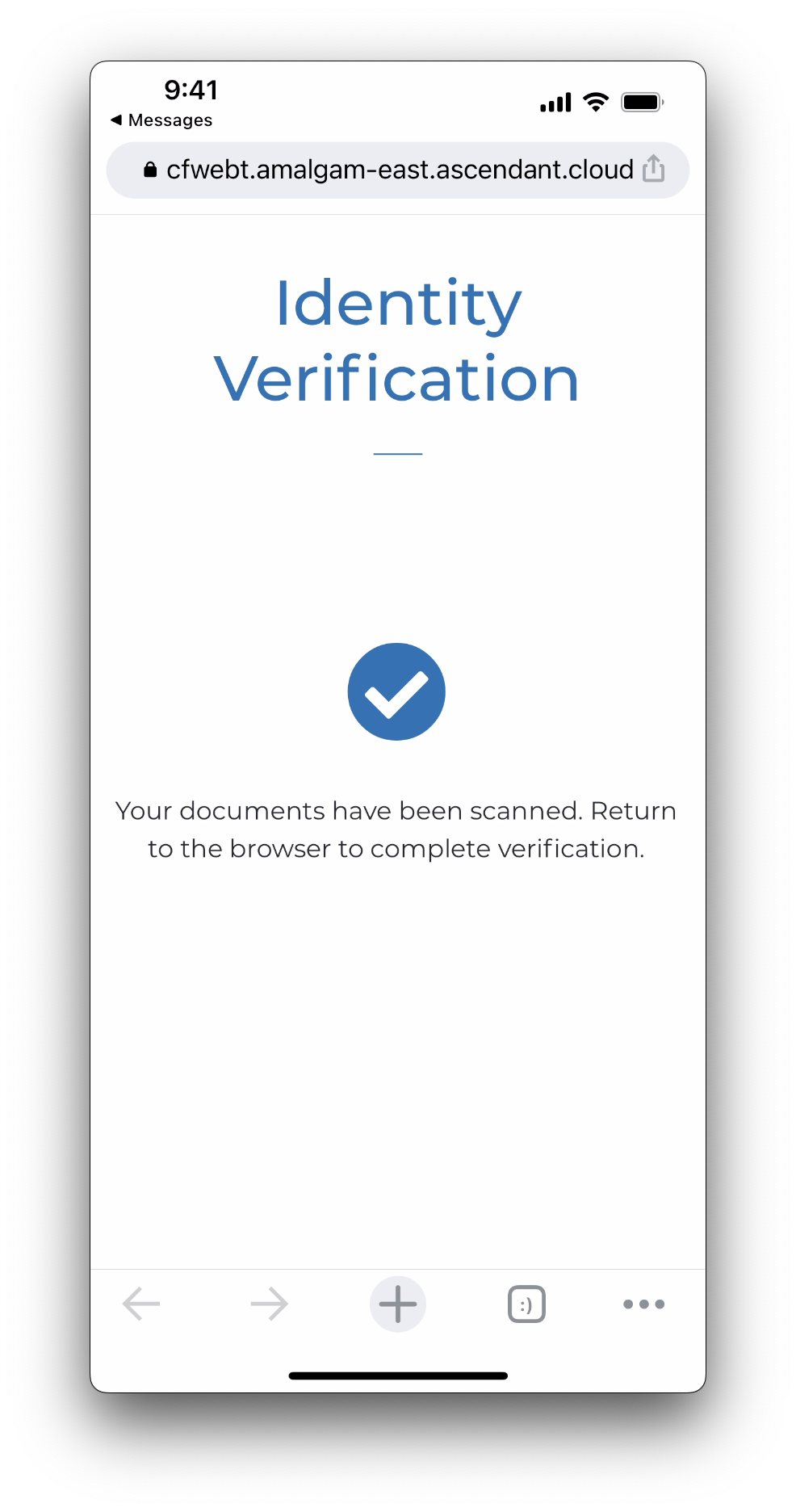
When the documents have been scanned and processed the screen will display a checkmark with a message stating you may now return to the browser.
Step 2: Verification Output
After your driver license and selfie photos have been received, return to the Driver's License Verify demo to see your results.
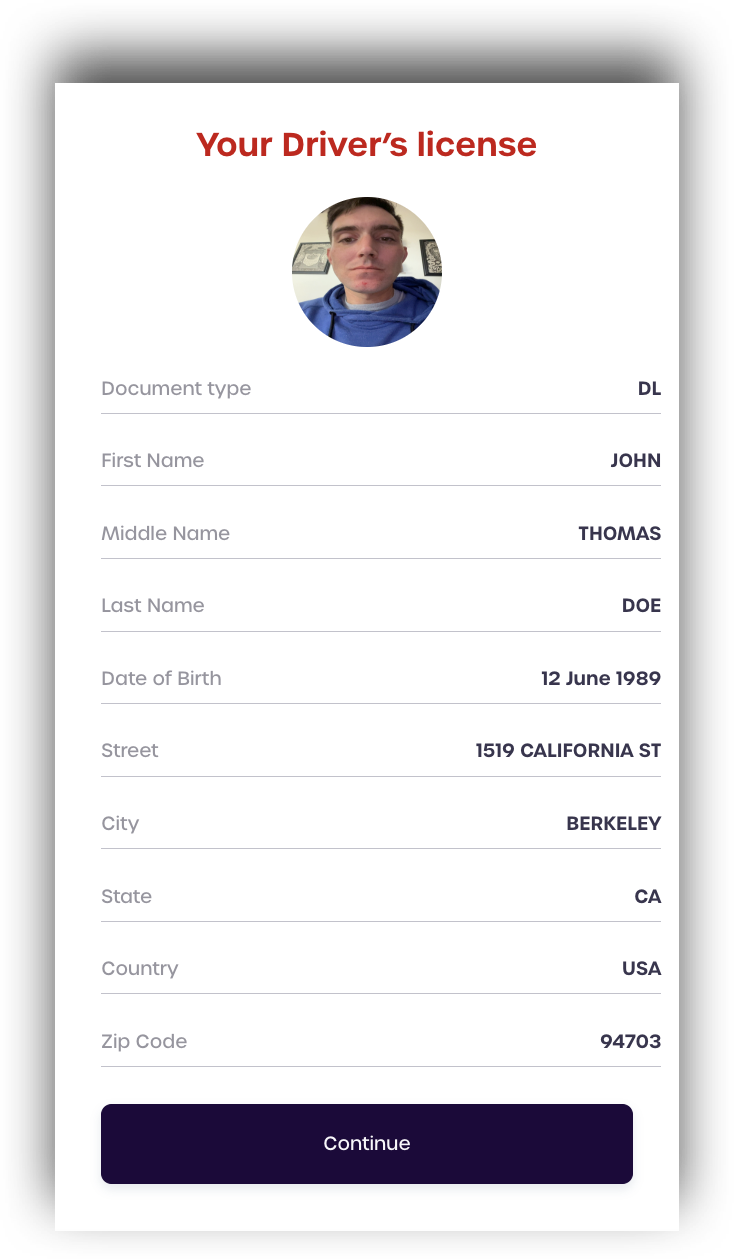
The top box displays your document information, including name and address, as shown on your driver license.
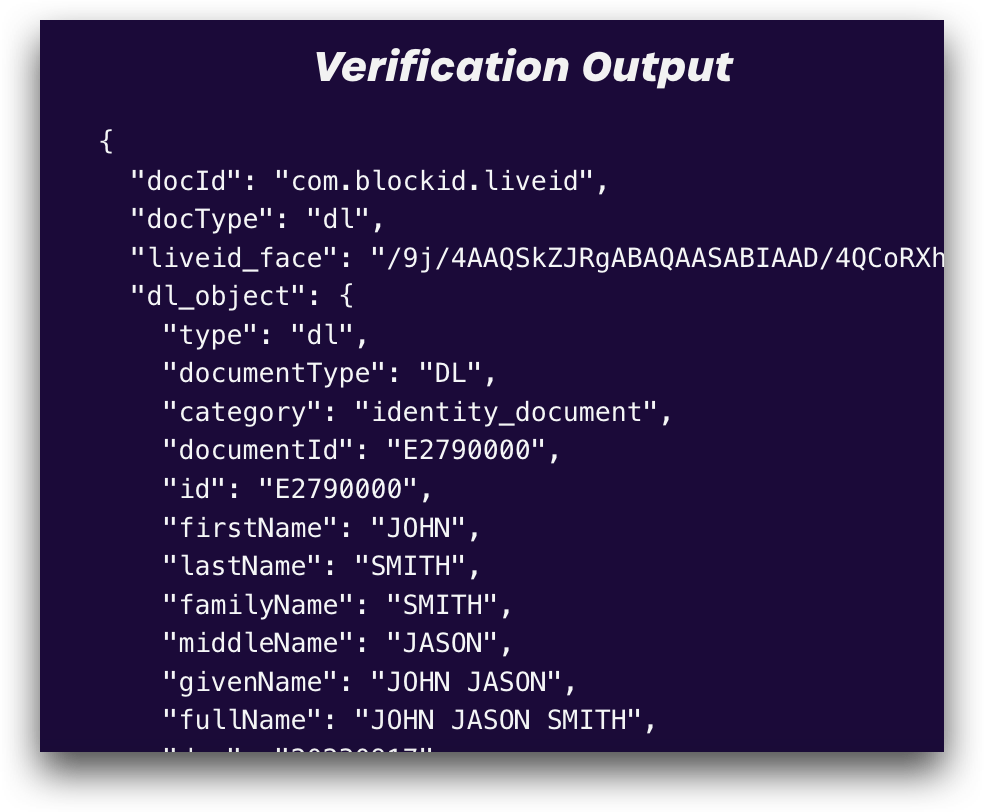
The bottom box displays the raw JSON result, with a few additional details from the scanned driver license.