Universal Web Login
BlockID universal web login (UWL) is a flexible authentication framework for web and mobile applications that ensures the highest level of assurance by reaching IAL31 and AAL32levels per the NIST 800-63-3 guidelines.
How it Works
BlockID universal web login (UWL) is a form of passwordless authentication that replaces the traditional username, password & MFA-based login by leveraging user biometrics with the BlockID mobile app. Universal web login supports all true biometric options, including TouchID, FaceID, and LiveID. UWL brings a passwordless experience to your application or website.
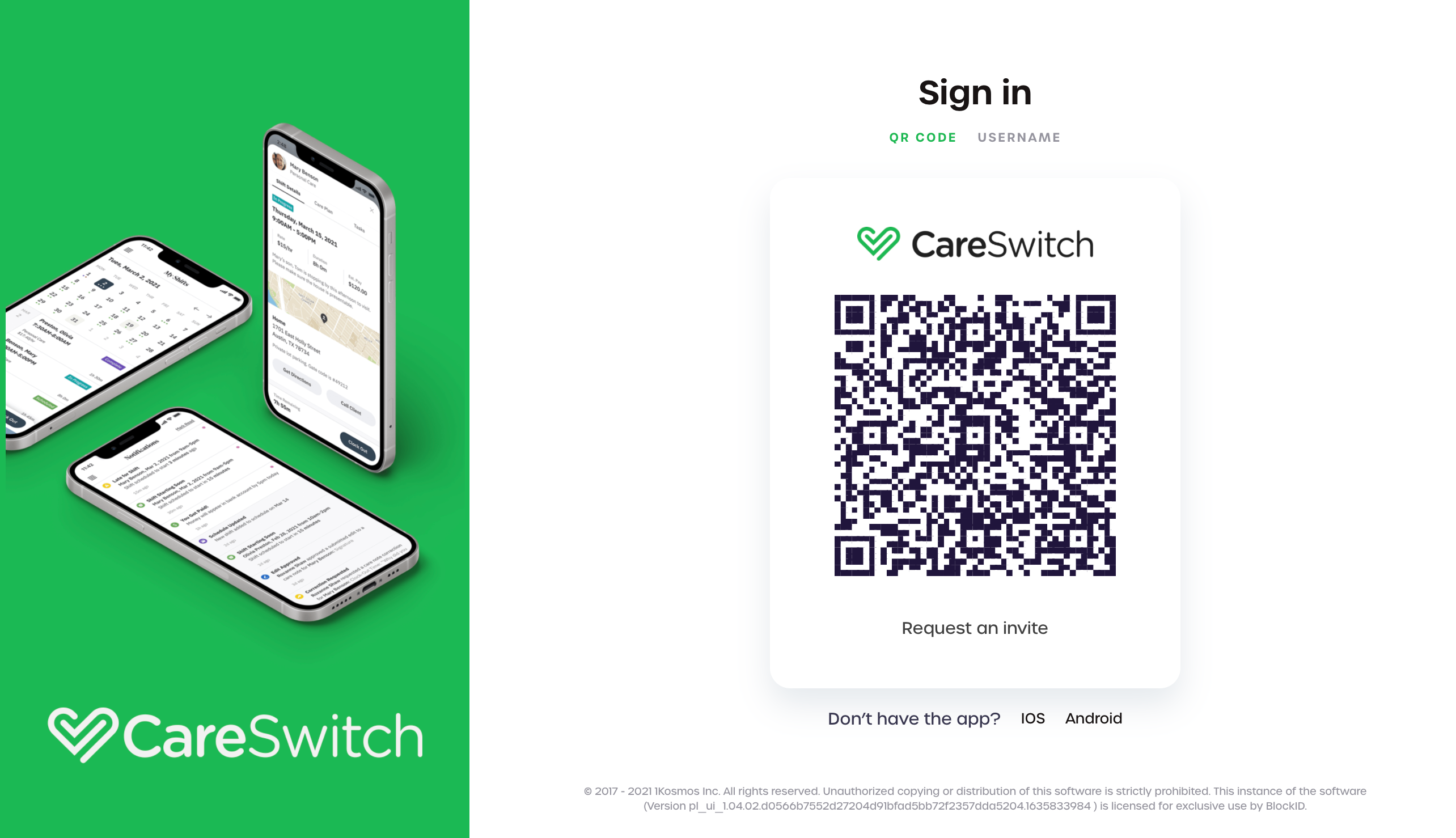
BlockID UWL consists of two main sections:
1. Developer's Application
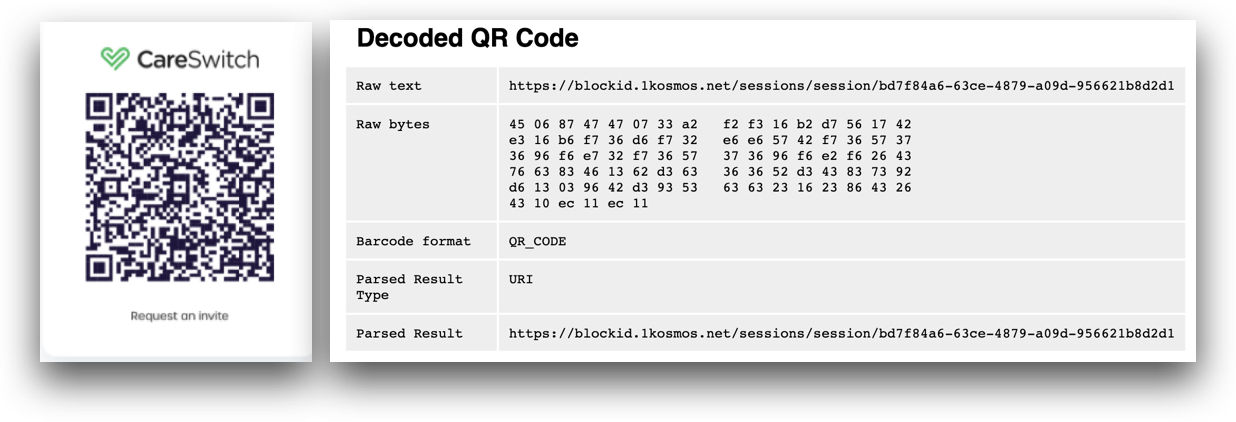
Use the SDK to create a unique session ID and session URL. The session URL should be encoded into a QR code so that the BlockID mobile application can scan it, as shown in the image below:
2. BlockID Mobile Application
Your user scans the QR code displayed on your application or website and authenticates the request using their enrolled biometrics. After authentication, the mobile application forwards their user data to your application or website
Requirements
- BlockID SDK
- A development environment to poll and process UWL sessions - such as a login page.
- The BlockID Mobile Application
See Getting Started for more information on installing and initializing the BlockID SDK.
Download the BlockID Mobile Application
Download and install the BlockID mobile application for your device:
- Android
- iOS
BlockID for iOS
Download the BlockID Mobile Application for Apple devices.
Follow the on-screen instructions to register your application with the BlockID Platform and enroll your biometrics. Visit our BlockID Mobile Application User Guide for a step by step understanding of the enrollment process.